
Raycon Earbuds Awareness Mode: The Complete 2024 Guide to Safer, Smarter Listening
Introduction
Raycon earbuds pack a lot of features into a small, affordable package, and Awareness Mode is one of the most useful. It lets you enjoy your music, podcasts, or calls while still hearing what goes on around you. For many people, that balance between sound and safety is the reason they pick Raycon over other budget earbuds.
If you commute, work in shared spaces, or exercise outdoors, blocking the world out can be risky or inconvenient. Awareness Mode solves that by using built-in microphones to bring outside sounds into your ears. You hear your playlist and the world at the same time, without constantly taking your earbuds in and out.
This guide explains exactly how Raycon earbuds Awareness Mode works, which models have it, and how to turn it on. You will also see how it compares to Noise Cancelling and Normal Mode, plus real-world tips for commuting, workouts, and travel. By the end, you will know whether Raycon Awareness Mode matches the way you listen and move through your day.
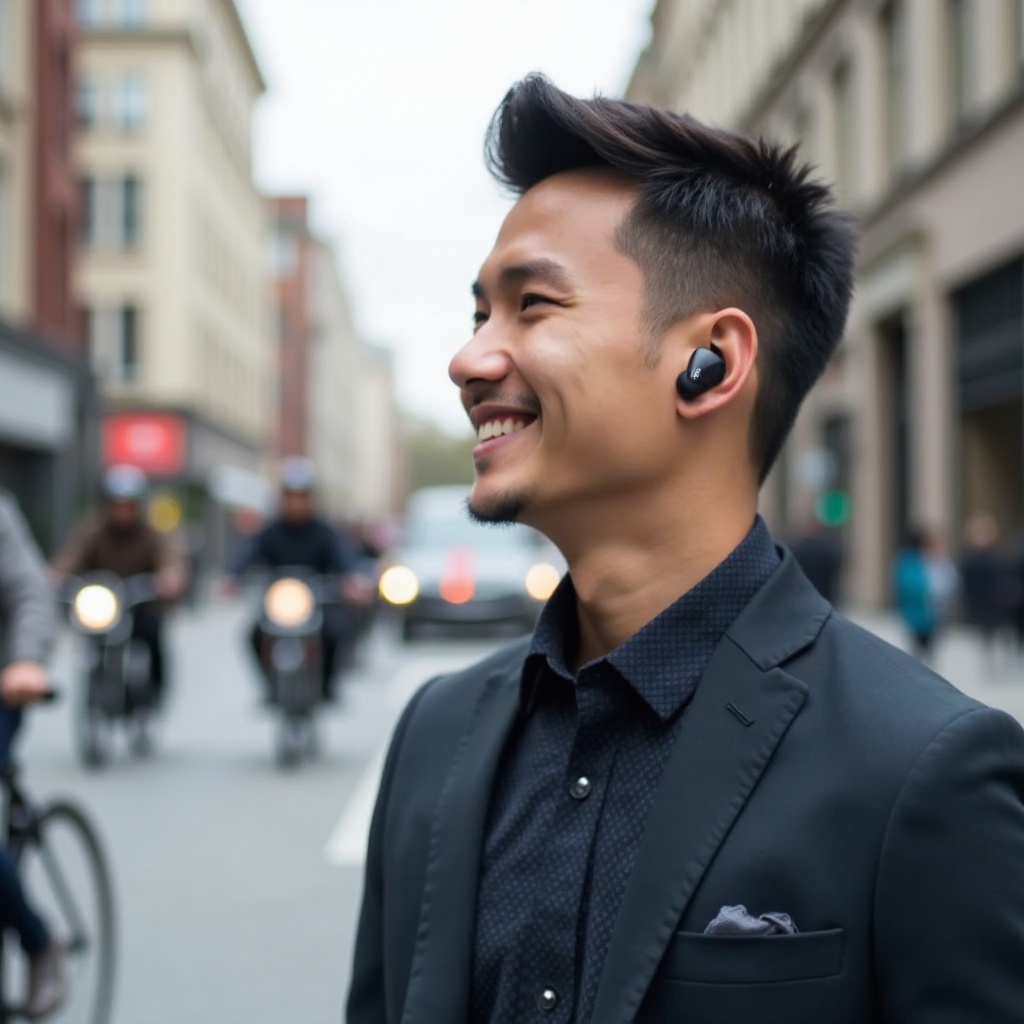
What Is Awareness Mode on Raycon Earbuds?
Awareness Mode (sometimes called Transparency Mode by other brands) is a listening setting that lets in outside noise on purpose. Instead of fully sealing you off from your environment, your Raycon earbuds use microphones to pick up ambient sound and blend it with your audio.
The idea behind awareness and transparency listening is simple: you should be able to stay alert without giving up your headphones. With Awareness Mode on, you can:
- Hear traffic and crosswalk signals while walking.
- Catch flight announcements while streaming a movie.
- Hear coworkers or family members call your name.
Traditional in-ear listening isolates you from the world. The silicone tips create a physical barrier that blocks outside sound. That is great on a plane or in a noisy office, but not ideal around cars, bikes, or other people who need your attention.
Raycon Awareness Mode shifts that experience. Instead of relying only on passive isolation, the earbuds turn on their external microphones, capture environmental sound, and feed it into your ears along with your content. You still hear your music, but you do not feel cut off from what is happening around you.
In short, Awareness Mode turns your earbuds from a private bubble into a more open, situationally aware listening tool. That makes it an essential feature to consider when you compare different Raycon models.

Which Raycon Earbuds Offer Awareness Mode?
Not every Raycon earbud model supports Awareness Mode, so it helps to know what to look for before you buy or start digging through the manual. Raycon tends to reserve this feature for its more recent and mid-to-higher tier models that focus on versatility.
You will most often see Awareness Mode on:
- Raycon Everyday earbuds that advertise multiple listening modes.
- Raycon Fitness earbuds designed for workouts and outdoor use.
- Select ‘Pro’ or ‘Plus’ versions that mention ‘Awareness’, ‘Ambient’, or ‘Transparency’ in the product description.
Many of these models also offer Active Noise Cancelling (ANC) and Normal Mode. Awareness Mode sits alongside those options so you can swap based on where you are. Fitness and Everyday lines with waterproof or sweat-resistant designs often lean heavily on Awareness Mode as a key selling point for runners and commuters.
To confirm whether your specific Raycon model supports Awareness Mode, you can:
- Check the official product page on Raycon’s website for ‘Awareness Mode’ under features.
- Look at the quick start guide or user manual that came in the box.
- Open the online manual or support page using your model number.
If the documentation describes modes like ‘Noise Cancelling’, ‘Awareness’, and ‘Normal’, your earbuds are ready for the tips in this guide. Once you know your model supports it, the next step is understanding how the technology works inside the earbuds.
How Raycon Awareness Mode Works
Understanding what happens behind the scenes helps you use Awareness Mode more effectively. The feature is simple on the surface, but there is a lot going on inside each earbud.
First, the microphones do the heavy lifting. Raycon earbuds use external mics on the outside of the earbud shell to capture sounds around you: voices, traffic, keyboard clicks, gym music, and more. These microphones are always present, but Awareness Mode tells them to listen to the outside world and send that sound into your ears.
Next, the earbuds perform digital processing. The internal chip takes both your media audio (music, podcast, or call) and the microphone feed. It then blends them together in real time. The goal is to keep your main audio clear while lifting important outside sounds enough that you notice them.
This processed mix reaches your ears via the same drivers that play music. You do not have a separate speaker for outside noise; the earbuds layer ambient sound on top of your content. The experience feels like having a thin acoustic window open to the world while your soundtrack continues.
That is very different from simply loosening or removing an earbud. If you break the seal or wear one earbud, you lose consistent audio quality, stereo separation, and bass. You also cannot balance how much of the world you hear versus your media. Awareness Mode gives you a predictable, controllable mix of both, without awkward fit changes or dangling earbuds.
Once you understand this mix of microphone input and processing, it becomes easier to see why Raycon also includes other modes. Each listening mode uses the same hardware in a different way.
How to Turn Awareness Mode On and Off
Once you know your earbuds support Awareness Mode, the next step is learning how to switch it on quickly. Raycon keeps controls fairly consistent across models, but it is always best to confirm with your manual.
Most Raycon earbuds use touch or button sequences to cycle through modes:
- Wear both earbuds and connect them to your phone.
- Start playing audio so you can hear the change.
- Press and hold or tap the touch panel (often on one earbud) for a specific number of seconds or taps.
- Listen for a voice prompt like ‘Awareness Mode’, ‘Ambient’, or ‘Transparency’.
You might also have access to mode switching through:
- The Raycon app (if your model supports an app), where you can tap a mode icon.
- Bluetooth settings or quick toggles in your phone’s interface, depending on your device.
If Awareness Mode will not activate, try a few quick fixes:
- Make sure both earbuds are fully charged.
- Reset the earbuds and re-pair them with your phone.
- Check that you are not in a special mode like ‘Gaming’ that overrides other settings.
- Confirm in the manual that your model actually includes Awareness Mode.
After a bit of practice, switching between modes becomes second nature. That ease of control is key when you move between quiet rooms, busy streets, and loud transit during your day. With switching mastered, you can focus on choosing the right mode for each situation.
Awareness Mode vs Noise Cancelling vs Normal Mode
Raycon earbuds often give you three core listening options: Awareness Mode, Noise Cancelling Mode, and Normal Mode. Knowing when to use each one helps you get the best experience from your earbuds.
Awareness Mode is the safest choice in environments where you must stay alert. Use it when:
- You walk or run near traffic.
- You expect someone to speak to you.
- You need to hear announcements or alarms.
Active Noise Cancelling (ANC) does the opposite. It listens for consistent low-frequency noise, like engines or air conditioning, and generates sound waves that cancel it out. This is ideal when you want focus or quiet:
- On airplanes or long bus rides.
- In loud open offices.
- During deep work or study sessions.
Normal Mode leaves both ANC and Awareness Mode off. You only get passive isolation from the ear tips. This can sound the most natural for music when you sit in a relatively quiet place.
Each mode affects sound differently:
- Awareness Mode can slightly reduce bass and impact because the earbuds prioritize clarity and outside sound.
- ANC can make the background feel quieter, which makes details pop, but some people notice a mild pressure effect.
- Normal Mode sits between the two and can feel the most balanced for pure sound quality.
The good news is that Raycon lets you switch quickly. You can use Awareness Mode while walking to the train, swap to ANC once seated, and go back to Normal Mode at home. To see how this works in daily life, it helps to look at specific situations where Awareness Mode stands out.
Real-World Use Cases for Raycon Awareness Mode
The strength of Raycon earbuds Awareness Mode shows up in daily life. It changes how you move, work, and travel while wearing earbuds.
Commuting and walking in busy city streets is one of the best use cases. When Awareness Mode is on, you can:
- Hear cars approaching from behind.
- Catch bike bells and scooter sounds.
- Listen for walk signals and crosswalk beeps.
This extra input makes it easier to make safe choices without pausing your music.
In shared workspaces, Awareness Mode keeps you plugged in but reachable. You can keep focus with background playlists yet still hear a coworker asking a quick question, a meeting starting, or a doorbell ringing at home. For remote workers, it helps balance concentration with awareness of deliveries, kids, or pets.
Travel days benefit a lot too. At airports, train stations, or bus terminals, Awareness Mode allows you to:
- Listen to podcasts while staying alert for boarding calls.
- Hear gate changes and platform announcements.
- Keep track of people moving around you in crowded areas.
If you travel often, this mode can prevent missed announcements and reduce the stress of constantly removing and reinserting earbuds. The same idea carries over into fitness and outdoor activities, where awareness can be a safety issue rather than just a convenience.
Using Raycon Awareness Mode for Fitness and Outdoor Activities
Fitness and outdoor activities are another area where Awareness Mode shines. Many Raycon Fitness and Everyday earbuds target this group directly.
When you run or cycle near traffic, full isolation is risky. With Awareness Mode, you can:
- Hear approaching vehicles and horns.
- Notice other runners and cyclists passing you.
- Stay more aware of uneven terrain or people with pets.
Set your volume at a moderate level so the outside world remains clear. You do not want to overpower ambient sound with loud music.
In the gym or fitness classes, Awareness Mode helps you keep track of instructions and safety cues. You can still enjoy your playlist, but you hear:
- Trainers giving form tips.
- Spotting cues from lifting partners.
- Intercom announcements or emergency alarms.
Outdoor hikes and casual walks with friends also benefit. Awareness Mode lets you stay engaged with your surroundings, such as birds, water, or conversation, while keeping audio in the background. When the environment becomes busy or you need to talk, you do not have to fumble with your earbuds.
If you work out often, consider mapping the mode switch to a simple gesture so you can change modes mid-run or mid-set without stopping. As you fine-tune your usage, it is worth understanding how Awareness Mode affects sound quality, battery, and comfort.
Sound Quality, Battery Life, and Comfort with Awareness Mode
Every listening mode changes how your earbuds perform, and Awareness Mode is no exception. Understanding these trade-offs helps you set realistic expectations and avoid disappointment.
From a sound quality standpoint, Awareness Mode slightly reduces isolation, so bass impact can feel softer than in ANC or Normal Mode. The microphones also bring in some room noise, which adds air and space to the sound but may reduce the studio-like feel some people enjoy.
To get the best experience:
- Lower your volume a bit so outside sounds stay clear.
- Use EQ presets or custom settings that keep mids and highs clean for voices.
- Accept a slight dip in bass in exchange for safety and awareness.
On battery life, running microphones and processing ambient sound uses power. Awareness Mode often consumes a bit more battery than Normal Mode, but usually less than full ANC. You can expect:
- Shorter playtime than pure Normal Mode.
- Better battery than days spent entirely in Noise Cancelling.
To stretch battery life while using Awareness Mode:
- Turn it off in very quiet, low-risk spaces.
- Drop your volume a notch or two.
- Keep your case charged so quick top-ups are easy.
Comfort remains mostly unchanged in Awareness Mode because fit and ear tips do not change. However, you may feel less pressure compared to ANC, and your ears can feel more relaxed when they are not sealed off from the environment.
A secure but not painfully tight fit works best: it supports sound quality while staying comfortable for long sessions. Along with comfort, you should also think about how to use Awareness Mode in a way that protects your hearing and keeps you safe.
Safety and Hearing Health Tips When Using Awareness Mode
Awareness Mode can improve safety, but only if you use it wisely. A few simple habits protect both your hearing and your situational awareness.
For hearing health, keep volume under control. A good rule is: if someone next to you can hear your audio clearly, it is too loud. Aim for a level where you can:
- Understand lyrics and speech easily.
- Still hear important outside sounds without strain.
Awareness Mode is not a license to blast volume. If you overpower ambient sound with music, you lose the benefit of the feature and increase your risk of long-term hearing damage.
Know when to rely on Awareness Mode versus removing an earbud. In very high-risk situations, like crossing a complex intersection, navigating a construction zone, or helping someone in an emergency, remove at least one earbud or pause your audio. No listening mode replaces full attention.
Best practices for staying alert in risky environments include:
- Avoid adjusting earbuds or scrolling your phone while crossing streets.
- Keep your eyes up and scan your surroundings regularly.
- Use Awareness Mode as a backup, not your only safety measure.
Treat your earbuds as a tool that supports awareness, not something that lets you ignore common-sense safety. When you combine smart habits with the right listening mode, the question becomes whether Raycon Awareness Mode is a strong reason to choose these earbuds over others.
Should You Buy Raycon Earbuds for Awareness Mode in 2024?
Whether Raycon earbuds Awareness Mode is worth it depends on your lifestyle. If you spend most of your time at home on the couch, you may not use it much. But if you move through different environments every day, it can be a standout feature.
You benefit most from Awareness Mode if you:
- Commute in cities or busy suburbs.
- Work in shared spaces where people may need you.
- Run, walk, or cycle outside several times a week.
- Travel often and rely on announcements.
When choosing a Raycon model, think about:
- Do you want both ANC and Awareness Mode, or just Awareness?
- Do you need sweat resistance for workouts?
- How important are touch controls and app support to you?
Compare Raycon Awareness Mode to big-brand transparency features like Apple Transparency or Samsung Ambient Sound. Flagship models from those brands often sound more refined and handle wind or sudden loud noises better. However, Raycon offers a strong price-to-feature ratio and covers the core benefits of awareness listening for many users.
If you want an affordable, flexible earbud with useful modes, Raycon remains a solid option in 2024. Awareness Mode is not just a gimmick; it can change how safe and connected you feel while wearing earbuds.

Conclusion
Raycon earbuds Awareness Mode gives you a practical middle ground between full immersion and full awareness. By using external microphones and smart processing, it lets you hear your surroundings without giving up your music or podcasts.
You now know which earbuds support Awareness Mode, how it works, and how to turn it on. You have seen how it compares to Noise Cancelling and Normal Mode, and how to use it during commutes, workouts, and travel. You also have clear tips on managing sound quality, battery life, and safety.
If your days take you from quiet rooms to busy streets and loud public spaces, Awareness Mode can make your listening routine smoother and safer. Used wisely, it turns your Raycon earbuds into a tool that supports both enjoyment and awareness, rather than forcing you to choose between them.
Frequently Asked Questions
Does Raycon Awareness Mode drain the battery faster?
Yes, Awareness Mode uses more battery than Normal Mode because it keeps the microphones and processing active. However, it usually drains less power than full Noise Cancelling. If you want to extend battery life, switch to Normal Mode in quiet, low-risk environments and keep your volume moderate.
Is Raycon Awareness Mode good enough for running and cycling safety?
Awareness Mode helps you hear traffic, bikes, and people while you run or cycle, which improves safety compared with full isolation. Still, it is not a replacement for careful behavior. Keep your volume low enough that you clearly hear outside sounds, stay alert, and remove an earbud or pause your audio in complex or dangerous situations.
Can I take phone calls while using Raycon Awareness Mode?
You can take calls in Awareness Mode, and many people prefer it. You will hear the caller and the environment at the same time, which feels more natural and makes it easier to stay aware of what is happening around you. Just remember that loud background noise will also come through more clearly, so move to a quieter spot when possible.