
LG Soundbar Subwoofer Cutting Out: Causes, Fixes, and Prevention
Introduction
A movie explodes, the bass hits hard, and then your LG soundbar subwoofer cuts out. Silence. A few seconds later it comes back, only to drop again in the next action scene. This kind of random cutoff ruins your home theater experience and can make you question the whole system.
The good news: in most cases, a cutting-out LG soundbar subwoofer does not mean the hardware is dead. Wireless subs rely on radio signals, clean power, and correct audio settings. If any of those fail, you hear dropouts. With a clear checklist, you can usually restore a stable connection on your own without needing a full replacement.
This guide walks through how LG soundbar subwoofers work, the most common causes of dropouts, quick checks, step-by-step fixes, and advanced troubleshooting. By the end, you will know whether you can solve the problem at home or need LG support or an upgrade to a more reliable system.
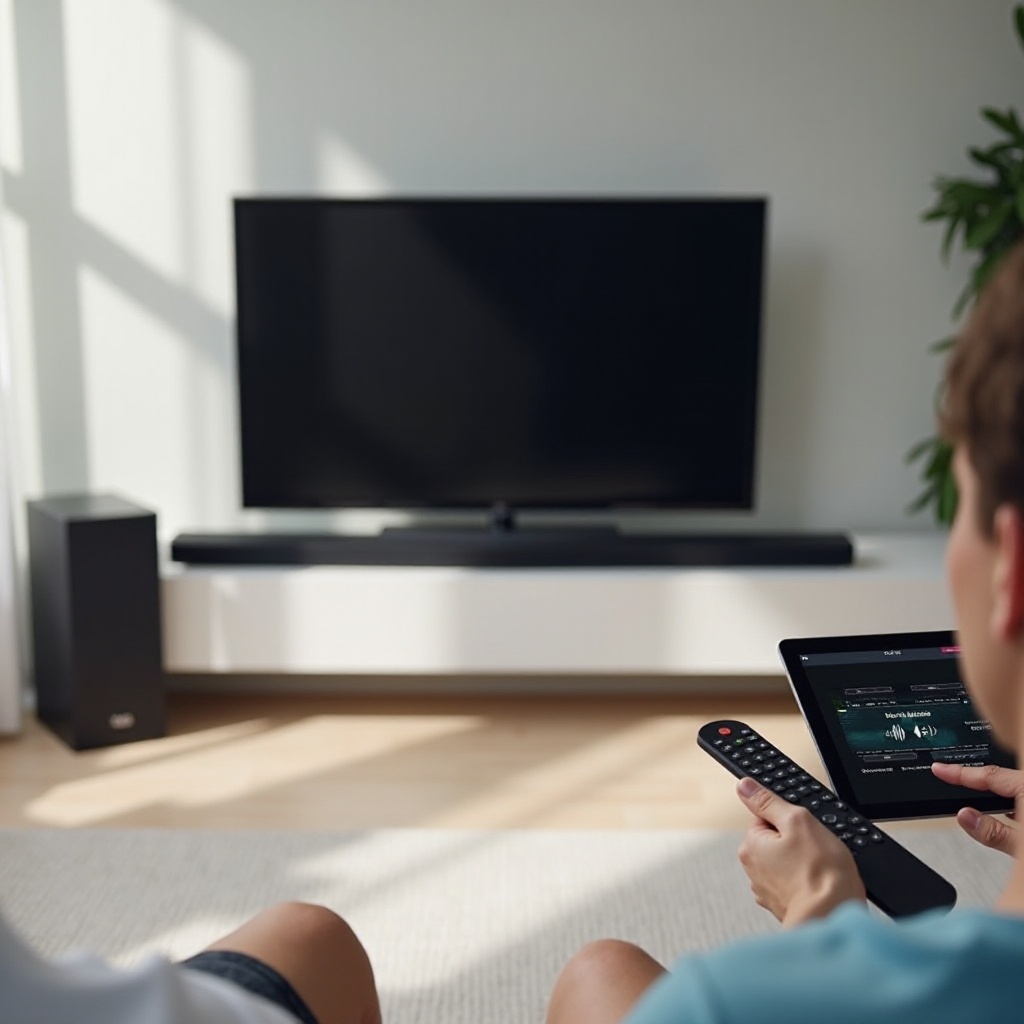
How LG Soundbar Subwoofers Work (In Simple Terms)
To fix an LG soundbar subwoofer cutting out, it helps to understand the basic system. An LG soundbar and its wireless subwoofer create a private link. The subwoofer does not use standard Bluetooth. It uses a dedicated radio connection, usually around the 2.4 GHz band, similar to Wi‑Fi but with its own protocol.
Here is what happens when you play a movie or a game:
- The TV sends audio to the soundbar via HDMI ARC/eARC, optical, or sometimes Bluetooth.
- The soundbar processes the audio and splits the low frequencies to the subwoofer.
- The soundbar sends that bass wirelessly to the sub using its paired link.
- The subwoofer receives the signal, amplifies it, and drives the speaker cone.
If any step fails, you notice:
- Full bass dropouts, where the sub goes completely silent.
- Short, random cuts where bass disappears and returns.
- Bass that seems delayed, out of sync, or weaker than expected.
The wireless link between the bar and sub is the most fragile part. Walls, routers, game consoles, and even your room layout can interfere with it. Before you tweak settings, it helps to recognize the exact pattern of the problem so you can match it to the right fix.
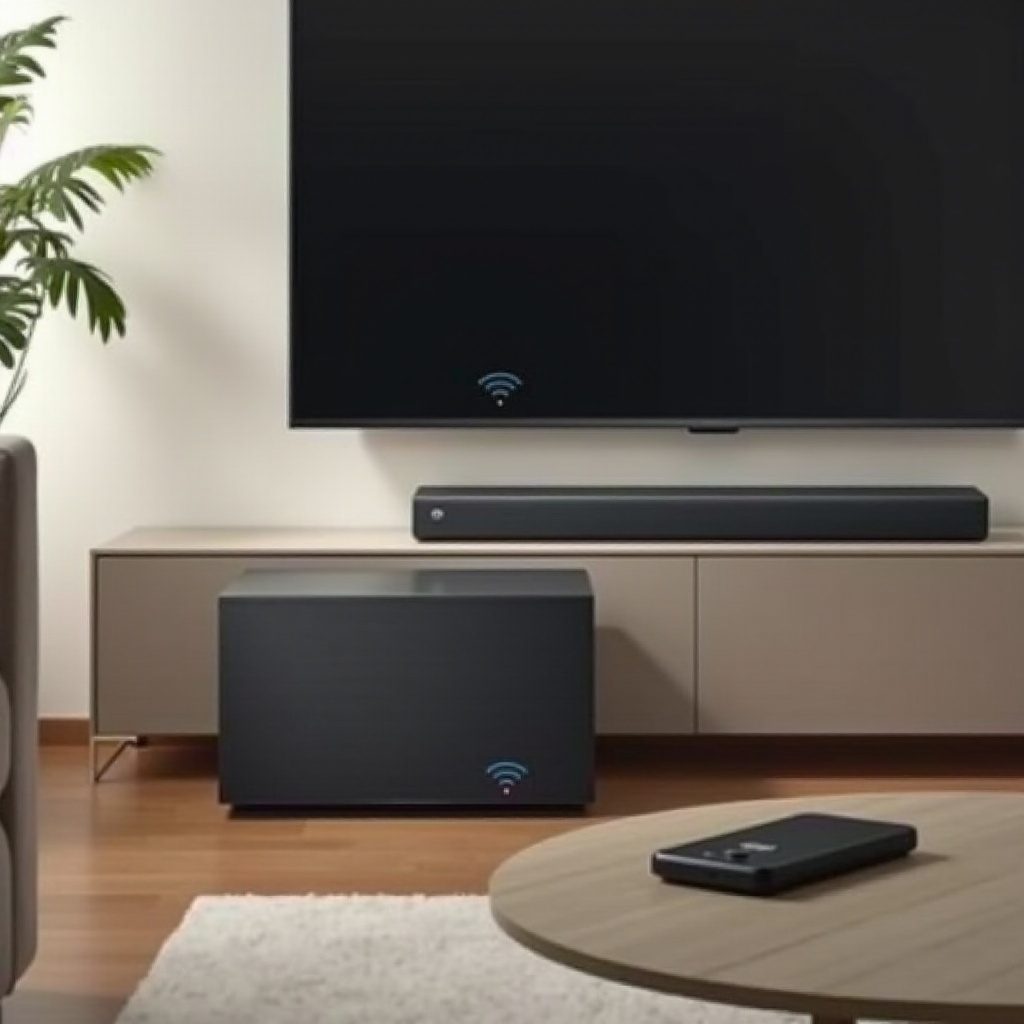
Common Symptoms When Your LG Soundbar Subwoofer Keeps Cutting Out
Not every cutting-out problem looks the same. The way the subwoofer fails often reveals the cause. Before changing anything, pay attention to what exactly you hear and see.
Common symptoms include:
- The subwoofer cuts out only during loud scenes or at high volume.
- The subwoofer randomly cuts out at any volume, then reconnects by itself.
- The sub plays for 10–20 minutes, then drops and may not come back until you power cycle.
- The sub cuts out only when you use certain sources, such as streaming apps or a game console.
- The sub’s LED changes from solid to blinking, or turns off, when audio drops.
Ask yourself:
- Does the dropout match when you walk around the room or move the sub?
- Does the problem happen on all content or just certain apps or devices?
- Does the soundbar itself also cut out, or is it only the subwoofer losing sound?
These questions help you group the issue: is it wireless, placement, settings, or hardware? With that in mind, you can understand the main causes of an LG soundbar subwoofer cutting out and choose fixes that actually target your real problem.
Main Causes of an LG Soundbar Subwoofer Cutting Out
Several typical issues cause a wireless LG subwoofer to disconnect or drop audio. Most fall into three main categories: interference, placement, and software or format problems.
Wireless Interference in Modern Homes
Your LG soundbar and subwoofer share airwaves with:
- Wi‑Fi routers and mesh systems
- Bluetooth devices, including phones, tablets, controllers, and headphones
- Smart home hubs, baby monitors, cordless phones, and even microwaves
All of these can crowd the 2.4 GHz band. When interference is strong, the sub loses its connection for a moment and you hear a dropout. If your sub cuts out when someone uses the microwave, starts a video call, or turns on a nearby device, interference is a likely cause.
Room Layout and Placement Problems
The wireless signal does not like:
- Thick walls, metal racks, or dense furniture between the soundbar and sub
- Long distances, especially if the sub sits in a different room
- Subwoofers hidden inside cabinets or directly behind heavy sofas
If the sub sits in a dead spot for radio signals, the connection becomes unstable and cuts out frequently. A small placement change can create a huge improvement in stability.
Firmware, Software, and Audio Format Issues
Sometimes the wireless link is fine, but other parts of the system misbehave:
- Outdated firmware on the soundbar or TV causes glitches or ARC/eARC issues.
- Audio formats, such as certain Dolby or DTS modes, push the system into unstable behavior.
- TV audio settings create conflicts or dropouts when switching between content types.
Now that you know the big categories driving an LG soundbar subwoofer cutting out, start with simple checks. Quick tests can solve the problem fast or confirm that you need deeper troubleshooting.
Quick Checks to Try Before Deep Troubleshooting
You can fix many cases of an LG soundbar subwoofer cutting out with a few basic checks. These steps are quick, safe, and help you decide if you need more advanced work.
Verify Power, LEDs, and Connections
Start with the hardware basics:
- Make sure the soundbar and subwoofer both plug directly into working wall outlets.
- Check the subwoofer’s LED. A solid light usually means paired; blinking often means searching or not connected. Check your model’s manual for exact meanings.
- Confirm no power strip or surge protector is failing. Try different outlets if possible.
- Ensure the HDMI or optical cable between TV and soundbar is fully seated on both ends.
If the subwoofer LED never turns on, flickers constantly, or turns off at random, you may have a power or internal fault. If it looks solid but you still hear dropouts, the issue is more likely wireless or settings related.
Test Different Sources and Content
Next, see if the issue is source-specific:
- Play content from a streaming app on the TV, such as Netflix or YouTube.
- Try a different HDMI device such as a console, Blu‑ray player, or streaming stick.
- Play a simple stereo or bass test video.
If the sub only cuts out with one source, you likely face an audio settings or format issue with that device rather than a pure wireless problem.
Perform a Basic Power Cycle
A power cycle can clear temporary glitches in HDMI and wireless communication:
- Turn off the TV, soundbar, and subwoofer.
- Unplug all three from power for at least 30 seconds.
- Plug in the subwoofer first, then the soundbar, then the TV.
- Turn them on in that same order.
Test again with a familiar piece of content. If the LG soundbar subwoofer cutting out problem continues, move on to a structured set of fixes that deal with pairing, placement, interference, and audio configuration.
Step-by-Step Fixes for an LG Soundbar Subwoofer That Keeps Cutting Out
Now work through targeted fixes. Move in order from simplest to more involved. These steps address the most common real-world causes of dropouts.
Re-Pair the LG Soundbar and Subwoofer Correctly
The pairing link may be corrupted or incomplete. To re‑pair:
- Turn off the soundbar and subwoofer.
- Press and hold the reset or pairing button on the soundbar until it indicates reset (check your model’s instructions).
- Turn on the soundbar and wait for it to enter pairing mode.
- Turn on the subwoofer and press its pairing button, if it has one.
- Wait until the sub’s LED shows a solid connection.
After pairing, play a bass‑heavy track and walk around the room. If the LED stays solid and the bass no longer cuts out, the pairing was the main issue.
Optimize Soundbar and Subwoofer Placement
Placement has a huge impact on wireless performance:
- Move the subwoofer closer to the soundbar if possible. Even moving it by one or two feet can help.
- Avoid placing the sub inside a closed cabinet, behind a thick couch, or directly next to large metal objects.
- Keep the path between the soundbar and sub as open as you can.
- If the router sits right next to the soundbar or sub, move it a few feet away.
Test your system after each small move. Do not assume the best bass spot is the same as the best wireless spot. Find a location that balances strong bass and a stable connection.
Reduce Wi‑Fi and Bluetooth Interference
If you suspect interference from other devices:
- Temporarily turn off nearby Bluetooth devices, including controllers, headphones, and smart speakers.
- Log in to your router and change the 2.4 GHz channel to a less crowded one, often 1, 6, or 11.
- If your router has a Smart Connect feature that merges 2.4 and 5 GHz under one name, test disabling it to reduce confusion.
- Keep the router, wireless extenders, and mesh units at least a couple of feet away from the soundbar and sub.
After each router change, reboot the router and test again. If the subwoofer stops cutting out when you change channels or disable certain devices, you have found the main cause.
Check HDMI ARC/eARC and TV Audio Settings
Audio paths and formats can also cause dropouts that feel like wireless issues. To rule this out:
- Make sure the soundbar connects to the TV’s HDMI ARC or eARC port, not a regular HDMI input.
- Use a quality High Speed HDMI cable, especially for eARC.
- On the TV, set audio output to HDMI ARC/eARC or External speaker.
- Turn off TV audio enhancements that may conflict, such as extra virtual surround modes.
- Test audio format settings: start with PCM as a baseline. If PCM is stable, then test Bitstream or specific Dolby options.
If cutouts only occur with certain surround formats, keep the system on the most stable setting, and revisit advanced formats later after firmware updates.
Advanced Troubleshooting for Persistent Dropouts
If basic fixes do not solve your LG soundbar subwoofer cutting out issue, move to more advanced steps. These help you deal with software bugs, audio format conflicts, and deeper network congestion.
Update LG Soundbar and TV Firmware in 2024
Manufacturers often fix audio and wireless bugs with firmware updates:
- For the soundbar, use the official LG app or check the LG support website for your exact model. Follow the update steps carefully.
- For the TV, go to Settings, then Support or Software Update, and install the latest firmware.
- After updating both, power cycle all devices and test again.
Recent updates may include improvements for ARC/eARC stability, wireless performance, and audio format handling. If your system has never been updated, this step alone can remove random dropouts.
Adjust Audio Formats (PCM, Dolby, DTS) for Stability
Some audio formats can trigger glitches, especially with older TVs or mixed-brand setups:
- On the TV or source device, set the audio output to PCM and test for a while.
- If PCM is stable, try Bitstream with Dolby Digital only and monitor for dropouts.
- Disable options like Dolby Atmos or DTS:X temporarily if your system seems to struggle with them.
- Keep the format that gives you stable sound and acceptable quality for your content.
This process isolates whether your LG soundbar subwoofer cutting out is tied to complex formats or is purely a wireless or hardware problem.
Use Network and Wi‑Fi Tools to Diagnose Congestion
To see if the airwaves around your system are crowded:
- Install a Wi‑Fi analyzer app on your phone.
- Stand near your soundbar and sub and scan for nearby networks.
- Look for many networks stacked on the same 2.4 GHz channel.
- If you see heavy overlap, change your router to a less crowded channel and retest.
You can also move more of your home devices to 5 GHz so the 2.4 GHz band stays clearer for the soundbar’s wireless link. After adjusting, monitor your system during a full movie or gaming session to confirm that the sub stays solid.
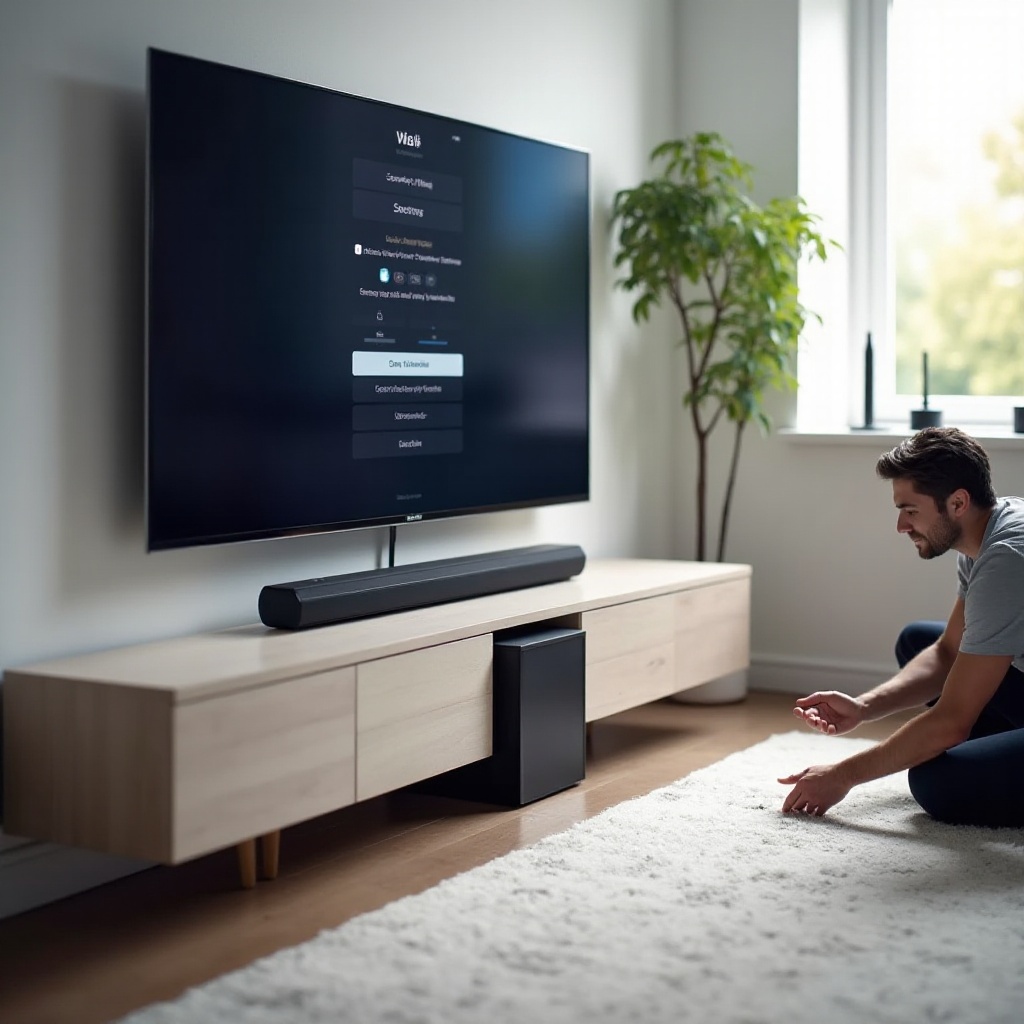
How to Tell If Your LG Subwoofer Has a Hardware Problem
Not every LG soundbar subwoofer cutting out issue comes from interference or settings. Sometimes the subwoofer itself is failing. If you have tried the earlier steps and the problem persists in a clean environment, check for clear signs of hardware trouble.
Signs of Amplifier or Driver Failure
Watch and listen for:
- Rattling, buzzing, or scraping sounds from the sub even at low volume.
- Bass that distorts badly before cutting out.
- The sub producing very weak or no bass despite correct settings and pairing.
- Sudden loud pops followed by silence.
These signs often point to a bad amplifier board or a damaged speaker driver inside the subwoofer. Wireless tweaks will not fix these issues. The unit needs repair or replacement.
Power, Overheating, and Protection Mode Symptoms
Many subs have protection circuits to keep them from self-damage:
- The sub plays for a while, then cuts out and the LED changes or turns off. After cooling, it works again for a short time.
- The sub feels unusually hot to the touch during normal use.
- It only works when plugged into certain outlets, or shuts down when other appliances turn on.
If you see these symptoms even after trying different outlets and giving the sub proper ventilation, it is likely going into protection mode or has a power-related fault. At this point, you should prepare to contact LG support with detailed information.
When to Contact LG Support or Consider an Upgrade
If you have tried placement changes, interference reduction, firmware updates, and audio setting tweaks, and your sub still cuts out, outside help makes sense. You do not need to guess forever.
What to Prepare Before Contacting LG Support
Before you reach out to LG, gather the following:
- Exact model numbers for your LG soundbar and subwoofer.
- Proof of purchase and approximate purchase date.
- A short description of the issue, including when it happens and what you have tried.
- Notes about LED behavior, error messages, or unusual noises.
- Photos or short videos showing the sub cutting out, if possible.
Contact LG support through their official website, phone line, or chat. Clear details help them decide whether to repair, replace, or offer other solutions, and can speed up the process.
Deciding Between Repair, Replacement, or a New System
Think about these points when you choose your next step:
- Warranty status: if your system is still under warranty, push for repair or replacement.
- Cost of out-of-warranty repair versus buying a newer soundbar system.
- Your room size and usage: you may benefit from a higher‑end LG bar or an AV receiver with a wired sub.
If you upgrade, look for models with strong wireless performance, eARC support, and good user reviews that mention stable subwoofer connections. That way you reduce the chance of another LG soundbar subwoofer cutting out in the future.
Best Practices to Prevent Your LG Soundbar Subwoofer Cutting Out Again
Once you solve the problem, set up your system to avoid future issues. A few simple habits keep your LG soundbar subwoofer from cutting out again and extend the life of your gear.
Ideal Installation and Room Setup Tips
To design a stable system from the start:
- Keep the soundbar centered under the TV and the sub within the same room, not too far away.
- Avoid hiding the sub in closed cabinets or behind thick walls.
- Keep the router and major wireless devices a few feet away from both units.
- Use direct wall outlets for soundbar and sub to reduce power issues.
These placement choices often do more for stability than any advanced software tweak. Good placement also improves overall sound quality and bass response.
Ongoing Maintenance and Firmware Checks
To keep performance solid over time:
- Check for firmware updates on your LG soundbar and TV several times a year.
- After big updates, test audio and make sure your stable settings remain active.
- Occasionally vacuum dust around vents to help cooling and prevent overheating.
- If you add new wireless gear, such as a new router or smart devices, retest the system and adjust Wi‑Fi channels if needed.
These small habits prevent many sudden issues and keep your system ready for new apps and content without triggering new dropouts.
Conclusion
An LG soundbar subwoofer cutting out can feel random and frustrating, but the causes are usually clear: wireless interference, poor placement, unstable audio settings, or failing hardware. By starting with quick checks, then moving through pairing, placement, interference reduction, and firmware updates, you can solve most dropouts at home.
If advanced steps still do not work, you likely face a hardware issue and should involve LG support. Either way, once your system runs smoothly, follow best practices for placement and maintenance to keep your bass strong and stable.
With a methodical approach, you can turn your cutting-out LG subwoofer back into the powerful, reliable low-end your home theater deserves, and enjoy movies, games, and music without worrying that the bass will disappear in the best moments.
Frequently Asked Questions
Why does my LG soundbar subwoofer keep cutting out even at low volume?
Low volume dropouts often mean wireless issues, not power or clipping. The sub’s radio link may be weak due to distance, walls, or interference from Wi‑Fi routers and Bluetooth devices. Try moving the sub closer to the soundbar, changing the router’s 2.4 GHz channel, and turning off nearby wireless devices to test. Also re‑pair the sub and update firmware. If the LED shows connection drops while the volume is low, the problem is almost always interference or placement, not loudness.
How do I re-pair my LG soundbar and subwoofer if they won’t stay connected?
First, unplug the soundbar and subwoofer for about 30 seconds. Plug in the subwoofer, then the soundbar. Turn on the soundbar and perform a factory reset if your model supports it. Then press the subwoofer’s pairing button, usually on the back, until the LED starts blinking. The soundbar should automatically link and the LED should turn solid. Check your specific model’s manual for exact button names and LED behavior, then test with bass‑heavy audio to confirm a stable connection.
Is it worth upgrading my LG soundbar if the subwoofer keeps disconnecting in 2024?
Upgrade only after you exhaust simple fixes: placement, interference reduction, firmware updates, and audio setting tweaks. If your system is still under warranty and the subwoofer disconnects even under ideal conditions, push for repair or replacement first. If it is older, out of warranty, and still unstable, a newer LG soundbar or a separate AV receiver with a wired sub can be a smart move. Newer models often offer stronger wireless links, better eARC support, and improved reliability with modern TVs and streaming devices.