
How to Fix Flickering Screen Issues on Your PS4
Introduction
When your PS4 screen starts flickering, it disrupts the gaming experience that players crave. Flickering issues are common in PS4 consoles and can arise due to multiple factors, ranging from simple connection issues to more complex internal malfunctions. This guide aims to help you identify the cause of these problems and provide you with effective solutions. From understanding the underlying reasons to preventive steps, we’ll walk you through each process so you can get back to your games without interruptions.
Understanding Flickering Screen Causes
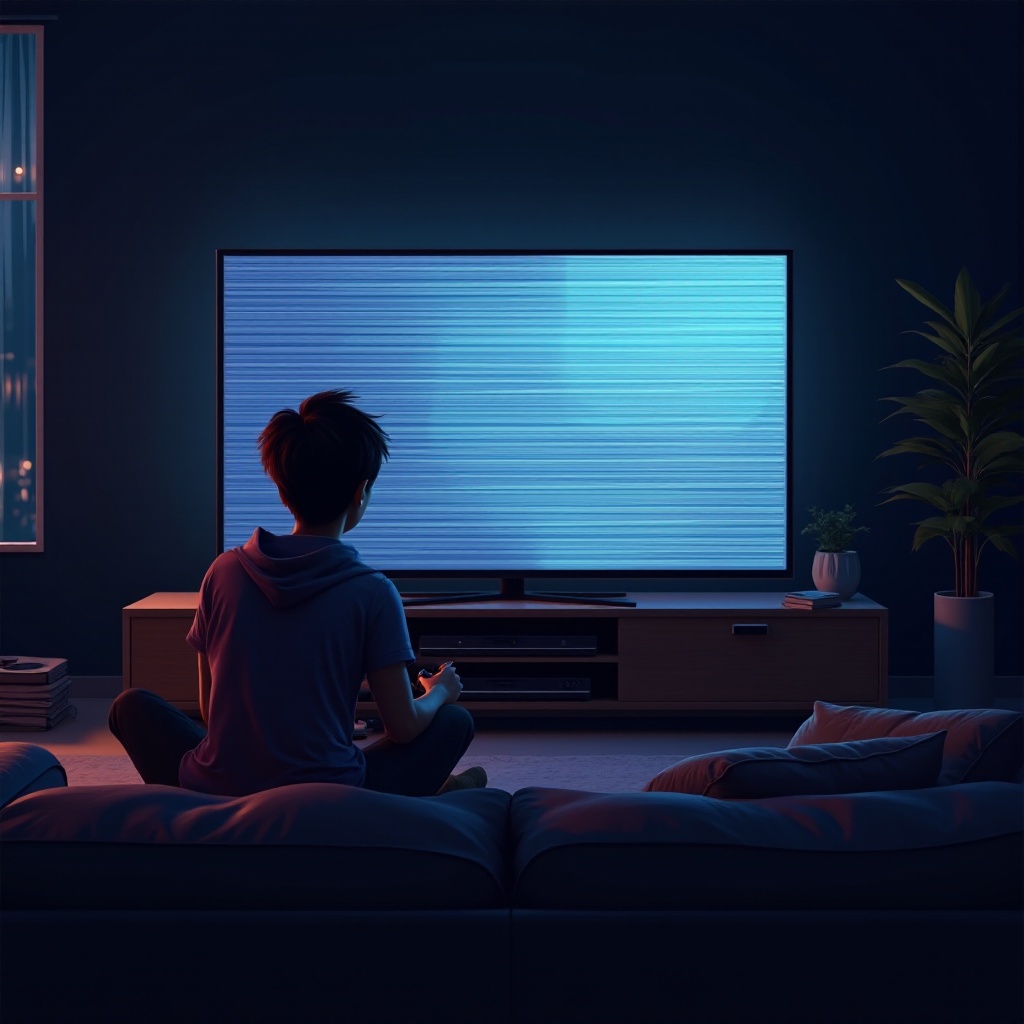
Screen flickering on the PS4 can happen for several reasons, and identifying the possible causes is crucial for addressing them effectively.
-
Common Hardware Issues: Often, the flickering screen is an indication of hardware problems. The HDMI cable, if damaged or loosely connected, may fail to maintain a stable video link between the PS4 and the display.
-
Software-Related Problems: Sometimes, software glitches or outdated firmware might be responsible. Changes in settings or a recent update could interfere with the display output.
-
External Factors and Environmental Influences: Interference from other electronic devices or inconsistent power supply could affect PS4’s performance. Overheating is another factor that might lead to screen flickering.
Having a solid understanding of these causes enables you to better address potential problems that could be impacting your gaming.
Basic Troubleshooting Steps
Before moving on to complex solutions, start with these basic troubleshooting steps:
-
Checking and Securing HDMI Connections: First, inspect all cables connected to your PS4 and the display. Check if the HDMI cable is securely connected and free from any visible damage. If you suspect issues, try using a different cable or HDMI port.
-
Testing with Different Monitors or TVs: Connect your PS4 to an alternative display. If the flickering doesn’t appear on a different screen, then the issue likely lies with the original monitor or TV.
-
Updating PS4 Firmware: Keeping your PS4’s system software up-to-date is essential. Check for any available updates through the console settings to fix software-induced flickering problems.
These initial actions can frequently resolve common flickering issues and will ease you into more advanced troubleshooting methods if they persist.
Advanced Solutions in Safe Mode
If the flickering continues despite basic troubleshooting, employing the Safe Mode options on your PS4 can help resolve deeper issues:
-
Entering Safe Mode on PS4: Begin by turning off your console completely. Press and hold the power button until you hear two beeps, which signifies Safe Mode initiation.
-
Rebuilding the Database: Select the ‘Rebuild Database’ option in Safe Mode. This reorganizes the console’s storage and can clear up display issues caused by database corruption.
-
Restoring Default Settings: Another Safe Mode option includes restoring default settings without erasing game data, which can rectify incompatible settings causing the flicker.
Safe Mode interventions often address software-related problems effectively, leading to a smoother gaming experience once resolved.
Evaluating and Solving Hardware Problems
At times, the source of your PS4’s flickering screen could be actual hardware defects. Here are steps to evaluate and potentially solve these issues:
-
Inspecting HDMI Ports and Cables: Check your HDMI ports for dirt, dust, or visible damage blocking the connection. Clean ports carefully using alcohol wipes and replace any cables that appear worn out.
-
Identifying Power Supply Issues: Ensure the power cord is securely connected to your PS4 and the power outlet. Try different power sources or cables if necessary.
-
When to Consider Hardware Replacement: If you’ve pinpointed a damaged component, it’s advisable to consult a professional technician or contact Sony for support on repairs or replacements.
Solving hardware issues restores display stability, enhancing your PS4’s performance.
Professional Repair Services and Support
If your PS4 continues to flicker despite all troubleshooting efforts, reaching out for professional assistance can provide solutions:
-
When to Seek Professional Help: Persistent unexplained flickering issues demand expert diagnosis. For suspected internal component issues, professionals offer in-depth evaluations.
-
Contacting Sony Support for Assistance: In case of suspecting defective hardware, or if troubleshooting does not resolve the screen flicker, contacting Sony’s support can lead to practical solutions, possibly under warranty.
Engaging with professional support ensures that persistent or complex problems are handled appropriately to restore your PS4 to optimal performance.
Preventing Future Flickering Issues
Preventive measures can guard against future flickering problems in your PS4:
-
Regular Maintenance Tips: Regularly cleaning your cables and connectors prevents interruptions. Schedule cleanings to avoid dust accumulation, ensuring firm contact.
-
Recommended Storage and Handling Practices: Store your PS4 in a well-ventilated space to prevent overheating. Avoid clustering electronics around it to ensure ample airflow.
By adhering to these preventive tips, you reduce the likelihood of encountering screen flickering in the future, supporting your PS4’s longevity and reliability.
Conclusion
Resolving a flickering screen issue in your PS4 doesn’t have to be daunting. Equipped with the correct troubleshooting measures and understanding the potential causes, you’re well-prepared to tackle any screen disruptions effectively. Always consult with professionals when basic steps don’t suffice, ensuring your console remains in excellent condition and your gaming experience unspoiled.
Frequently Asked Questions
What should I do if my PS4 screen flickers after a recent update?
Try entering Safe Mode and selecting ‘Rebuild Database.’ This can solve issues from faulty update installations.
Can a faulty HDMI cable cause my PS4 screen to flicker?
Yes, a damaged HDMI cable can disrupt the signal between your PS4 and the TV, which leads to flickering. Replacing the cable often resolves the issue.
How often should I perform maintenance checks on my PS4?
To prevent flickering and other performance issues, inspect your PS4’s connections and components every three to six months.