
How to Remove a Broken SIM Tray from Your Smartphone
Introduction
A broken SIM tray can be frustrating when you’re trying to use your phone’s full capabilities. This issue, often caused by mishandling or wear and tear, can result in connectivity disruptions. Fortunately, with the right tools and techniques, you can address this problem at home. This guide provides detailed steps to safely remove a broken SIM tray, along with practical advice to make the process straightforward.
Understanding SIM Trays and Their Problems
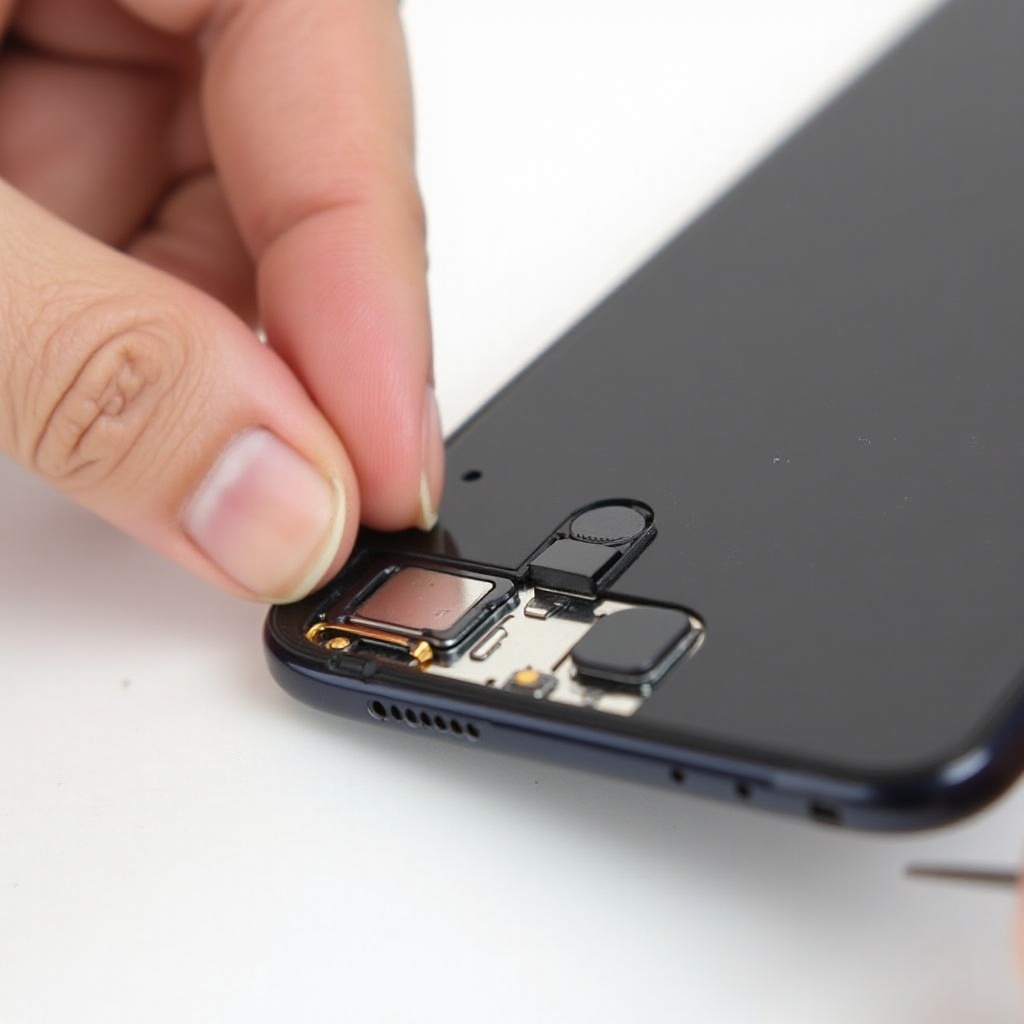
The SIM tray is a vital component of smartphones, enabling users to switch networks by swapping SIM cards. Problems usually arise from mishandling, leading to a stuck or broken tray. There are generally two types of SIM trays: full-size trays and hybrid trays that support both a SIM card and a microSD card. Identifying which type you have is crucial for the removal process. Knowing the common causes of SIM tray issues can help prevent them from recurring.
Preparing to Remove a Broken SIM Tray
Before starting the removal process, gather the necessary tools: a small Phillips screwdriver, a paperclip or SIM ejector tool, a pair of tweezers, and a flashlight for improved visibility. Create a stable and well-lit workspace, using a soft cloth to protect your phone from scratches. With these preparations, you’re ready to safely remove the broken SIM tray from your device.
Step-by-Step Guide to Safely Remove a Broken SIM Tray
-
Initial Assessment: Gently inspect the SIM tray area with a flashlight to understand the extent of the breakage.
-
Prepare the Device: Switch off your smartphone to avoid electrical damage. Hold the phone horizontally to allow gravity to assist in tray removal.
-
Utilizing Removal Techniques:
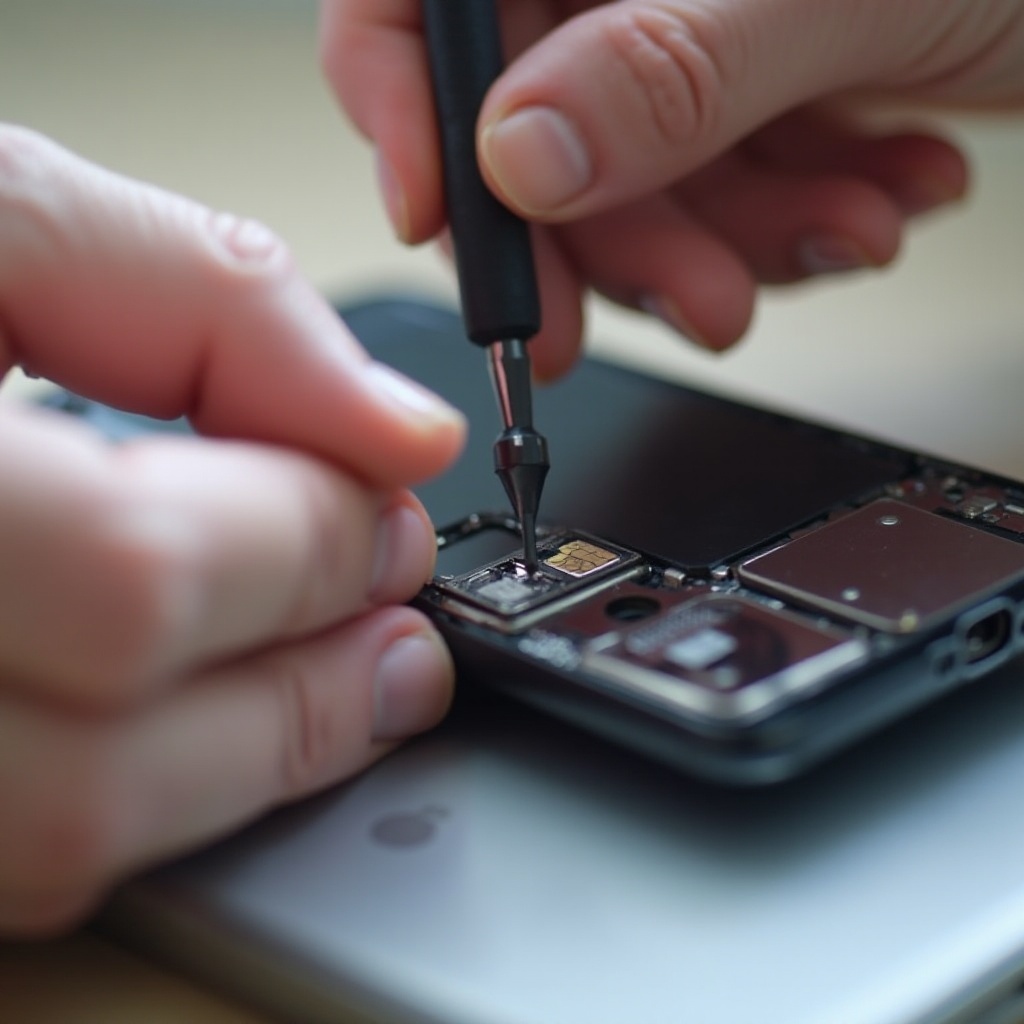
- Insert the paperclip or SIM ejector tool into the small hole next to the SIM tray.
- Apply gentle pressure. Avoid forcing movement if resistance is felt to prevent further damage.
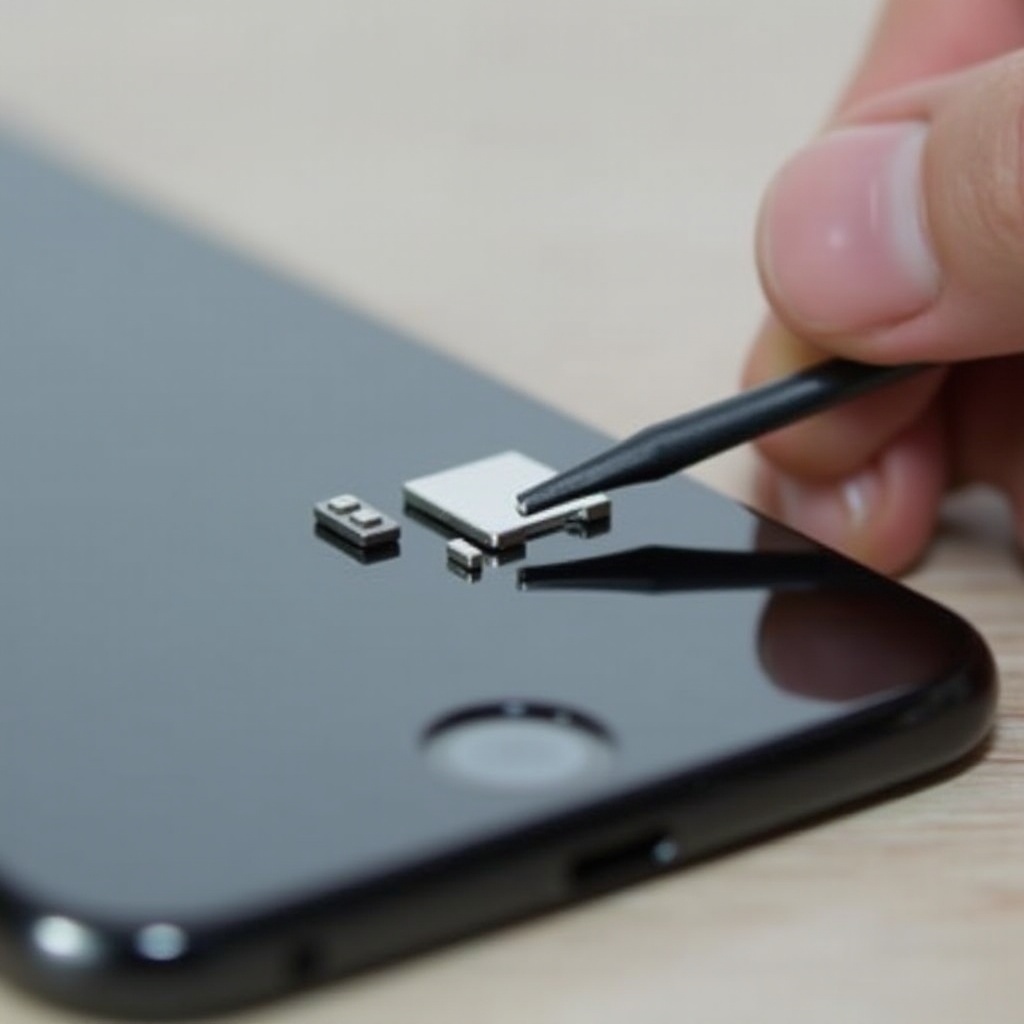
- Use tweezers to gently ease out the tray if it becomes partially exposed.
- For any remaining fragments inside, tilt your phone slightly and gently shake it to dislodge pieces.
These steps should be taken carefully to ensure that the SIM slot remains unscathed, facilitating the successful removal of the tray.
Troubleshooting Common Issues
Struggling with a stubborn SIM tray is not uncommon. Here’s how to navigate common issues that may arise:
-
Dealing with a Stuck SIM Tray: If the tray doesn’t budge, apply a minimal amount of force with a damp or latex-covered finger to improve grip.
-
Handling Small Fragments: Use tweezers to carefully extract any remaining pieces. Avoid sharp objects that may harm the sensitive contacts inside the tray slot.
If these methods prove inadequate, consider professional repair services to avoid inflicting further damage on your smartphone.
Post-Removal Steps and Precautions
After successful removal, examine your phone for damage or remaining debris. Check carefully for loose fragments that could interfere with a new tray’s function. Properly aligning and gently pushing the replacement tray into the slot until it clicks into place ensures that everything fits correctly and snugly.
When to Seek Professional Help
If you can’t remove the broken SIM tray or observe internal damage, it’s wise to consult a professional technician. Experts can provide safe removal services and prevent further damages, ensuring your device functions properly.
Preventing Future SIM Tray Issues
Future SIM tray problems can be minimized by practicing careful handling during tray installation or removal. Here are some tips:
- Avoid forcing the tray if it doesn’t slide in easily.
- Utilize appropriate removal tools to prevent misalignment.
- Keep the tray and its slot free of dust and debris to ensure smooth operation.
By being proactive, you can extend the lifespan of your SIM tray and avoid repeated issues.
Conclusion
Following these steps will enable you to remove a broken SIM tray effectively, maintaining your phone’s integrity. Handle your device cautiously to prevent such issues from reoccurring. Seek professional assistance when necessary to ensure the best care for your smartphone.
Frequently Asked Questions
What should I do if my SIM tray is stuck and won’t come out?
Avoid using excessive force. Try a paperclip or SIM ejector tool carefully. If it remains stuck, seek professional assistance.
Can using a paperclip damage my phone when removing the SIM tray?
Using a paperclip is generally safe if handled gently. Ensure it’s correctly aligned with the hole to avoid damaging internal components.
How can I prevent my SIM tray from breaking in the future?
Handle the tray with care during insertion and removal, use appropriate tools, and keep the area clean to prevent issues.